A digital property record
Your property, documents and maintenance history in one app
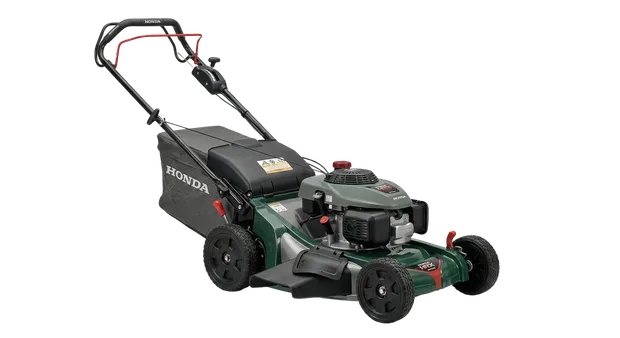
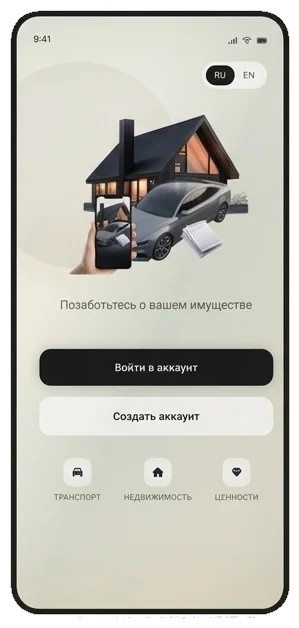
Organize vehicles, appliances, equipment, real estate and valuable items by object. Each record keeps its documents, costs, repairs and next actions together.


A connected service flow
One service history, two connected workspaces
Owners keep the property record and request maintenance. Service centers receive the request, talk to the owner and add the completed work to the object history.
For property owners
A home inventory that stays useful after setup
Every item gets its own record with details, photos, documents, maintenance history and tasks. Information is organized by the thing you own, not by the app or folder where a file was saved.
Learn more↗ 02For service centers
A request channel with useful object context
A service center gets its own workspace for company details, service categories, incoming requests, owner conversations and completed service records.
Learn more↗An object record, not another folder of files
A receipt, serial number, warranty and repair entry belong to a specific item. My Property lets you find information through the object instead of remembering a filename, email thread or storage folder.
- Photos and identifying details
- Documents with expiry dates
- Work, parts and costs
- Tasks and next maintenance dates
From inventory to a service request
The app connects your home inventory with maintenance. Choose the object, find a relevant service center and send a request with useful context. The conversation and request status stay in one place.
- Category-based service discovery
- Requests linked to the right object
- Chat and request attachments
- A service record after completed work
Use it your way
Your property record on the device you use
Open the web app without installing anything, or use a native mobile app.
FAQ
Common questions
What can I add to the app?
Vehicles, household and garden appliances, electronics, real estate, equipment, jewelry and other personal property across more than 14 categories.
Do I have to install an app?
No. The web app works in a modern browser. Native apps are also available for iPhone and iPad on the App Store and for Android through RuStore.
Can I start for free?
Yes. The free basic plan lets you create a property catalog. Paid plans increase available item and storage limits.
How does a service center receive a request?
The owner selects an object and a center, describes the job and sends the request. The center sees it in the inbox, replies in the request chat and updates its status.